
UX Design Critique
AI multi-sgent design review tool
Company
Personal project
Service
AI-assisted product design & full-stack build
Industry
Figma / Claude / Cursor
Year
2026
Role
Designer & Builder
Team
1 designer (me),
directed entirely with AI agents for development
Why I built this
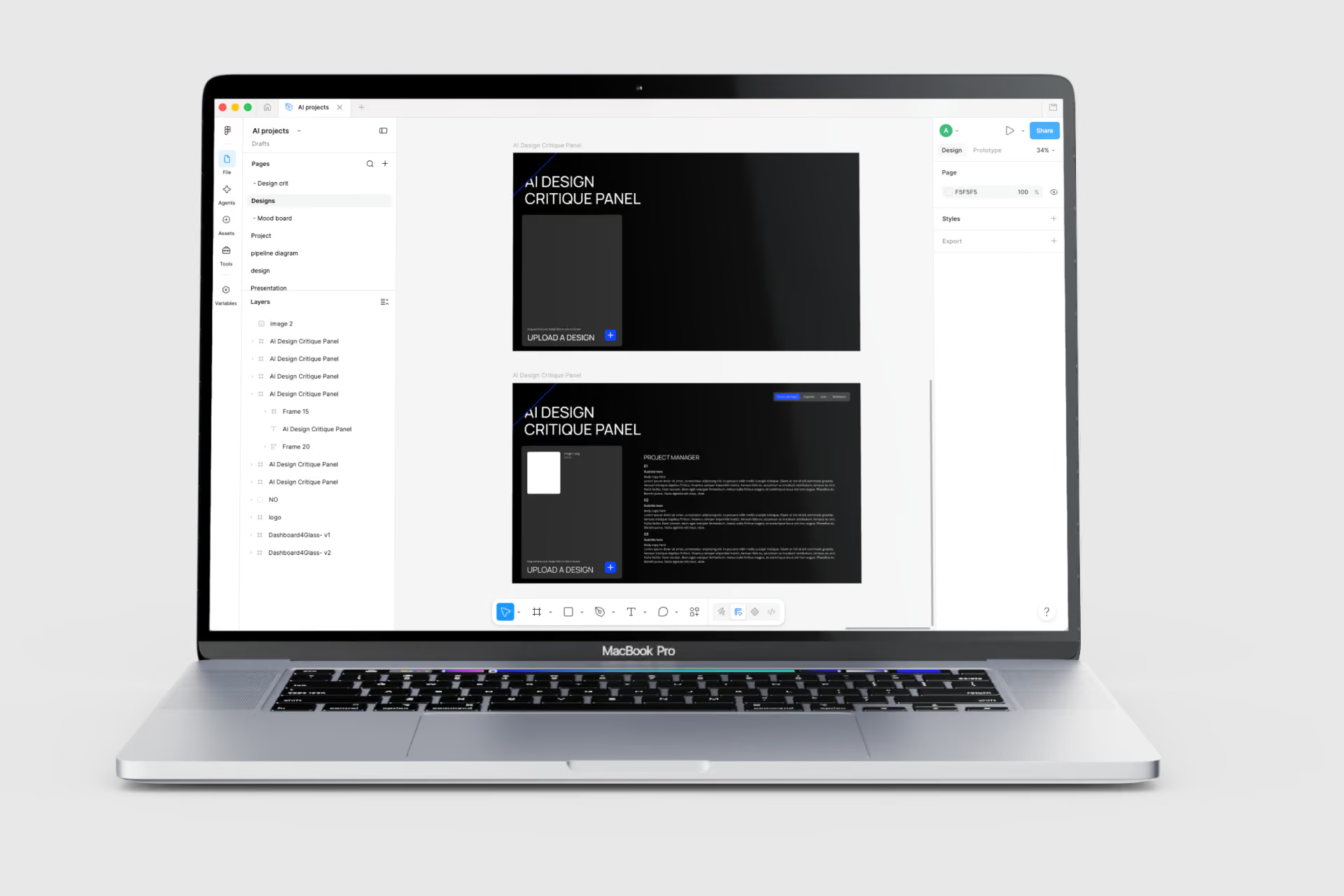
As a principal product designer, I wanted to move past reading about AI and actually build with it, hands-on, from zero technical experience, using AI as a genuine design and development partner rather than just a content generator. I set myself a constraint: build something that couldn't just be "a chatbot wrapper," but instead demonstrated real product thinking about how AI should be structured and orchestrated in a design workflow.
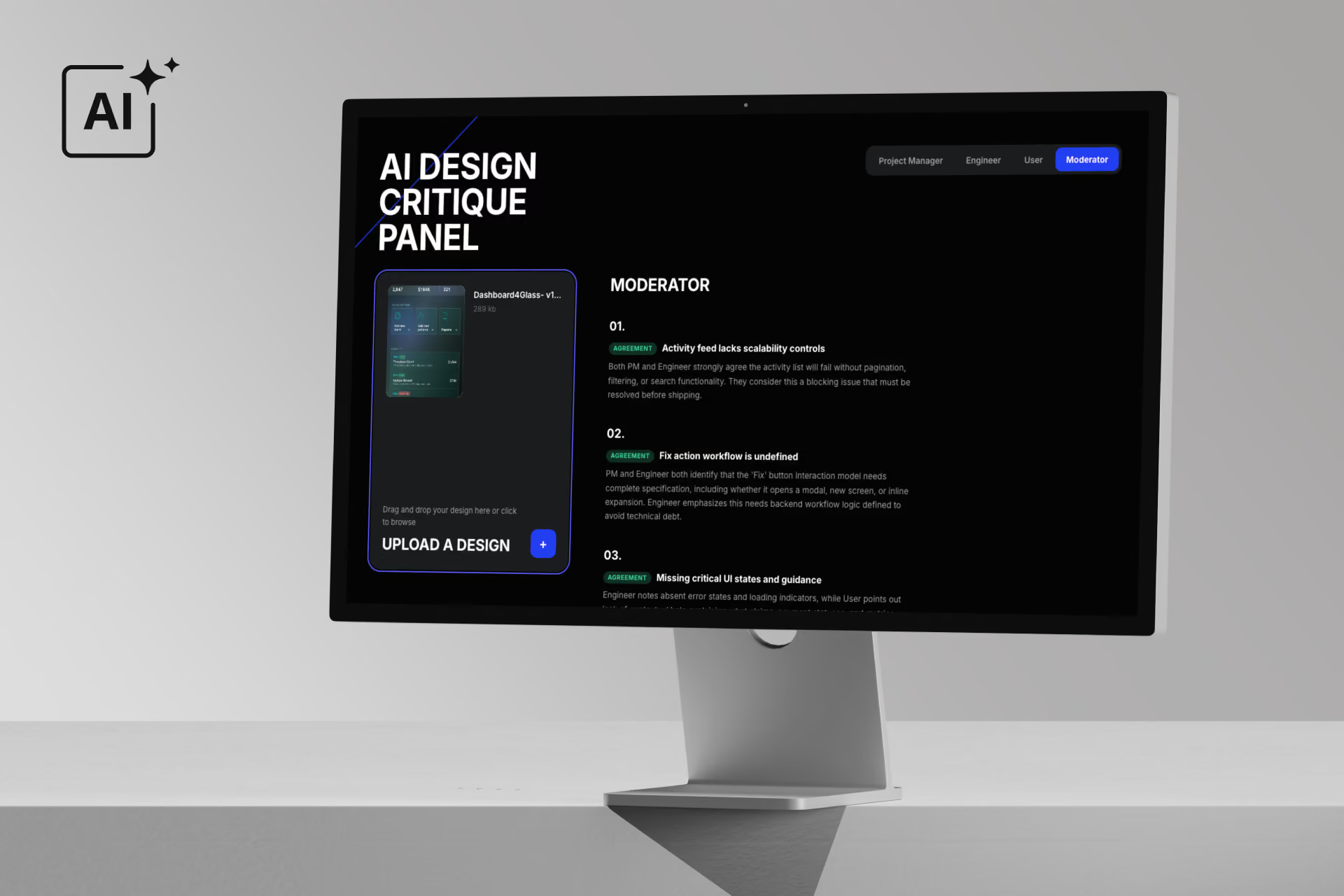
The result is UX Design Critique, a tool that simulates a real design review meeting using multiple AI agents, each with a distinct role, incentive, and point of view.
The problem
Design feedback is usually one-dimensional. A single reviewer, at a single point in time, filters everything through their own priorities. In a real cross-functional review, the most useful insight often comes from the friction between perspectives — what a Product Manager flags rarely matches what an Engineer catches, which rarely matches what an actual first-time user notices. Most solo designers don't have that panel on demand. Most "AI design feedback" tools flatten this into one generic voice.
The concept
Instead of asking a single AI model "what do you think of this design?", I designed a small panel of AI agents, each with a deliberately different persona and set of incentives:
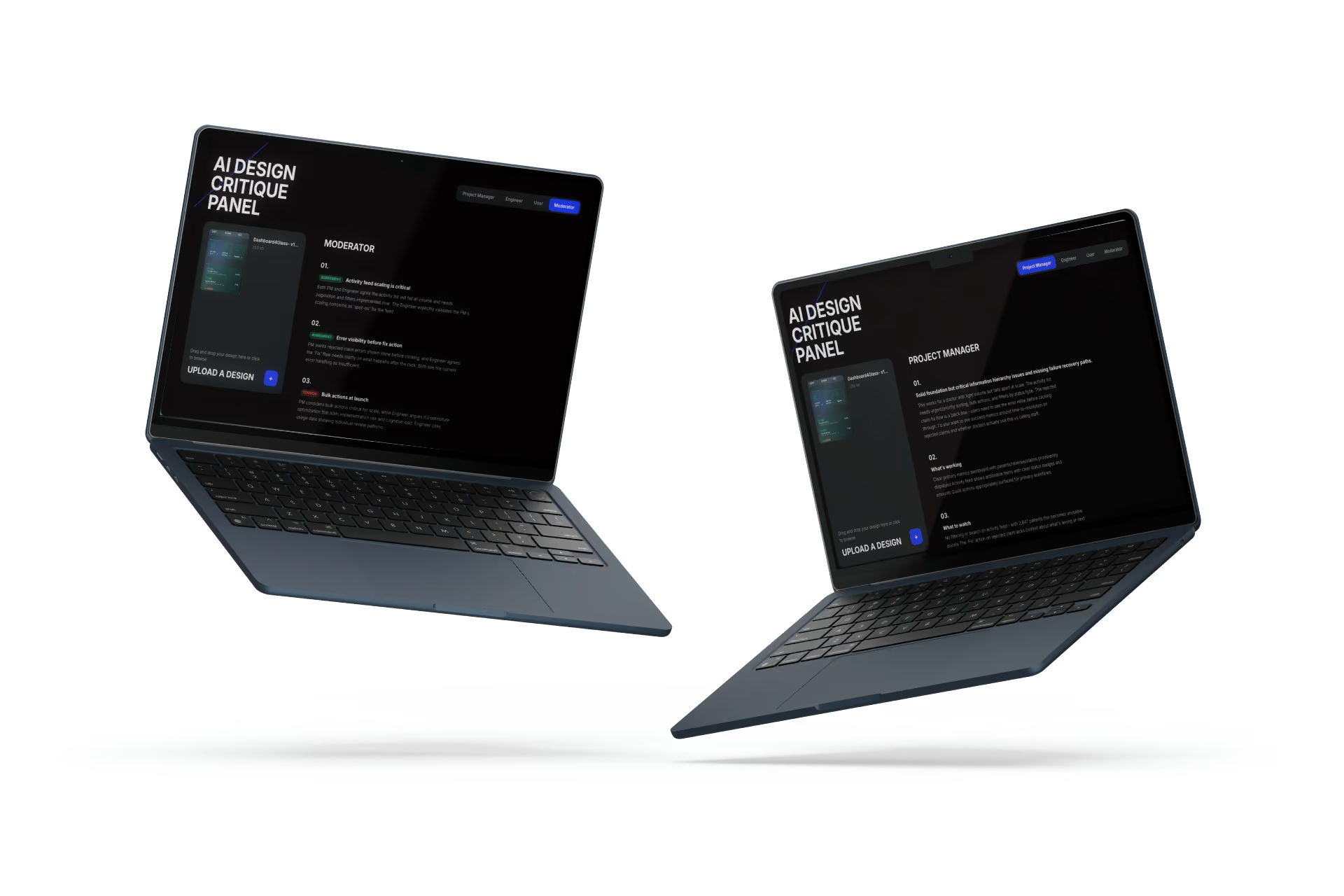
Product Manager
Evaluates against business goals, conversion, and priorities
Engineer
Flags feasibility concerns and technical edge cases
Skeptical user
Reacts the way a real, impatient first-time user would, with no context or instructions
Moderator
Reads all three critiques and synthesizes where they agree, where they conflict, and what that tension actually means for the design
On top of the initial critique, the tool supports a before/after comparison: once a designer uploads a revised version of their design, the panel evaluates whether the original feedback was actually addressed, turning a one-time critique into an iterative design conversation.
Process
Designing the agents before designing the app
Before writing or generating a single line of code, I manually tested each persona in one-on-one conversations with an AI model, uploading the same design and prompting one persona at a time, to understand how wording, tone, and framing shape an AI's "point of view." This is the same instinct as writing a strong research discussion guide: the quality of the output depends entirely on the quality and specificity of the prompt behind it.
Once each persona felt distinct and genuinely useful (not just differently worded versions of the same generic feedback), I directed an AI to build the actual multi-agent application — describing functionality in plain language and iterating conversationally ("make the Engineer persona harsher and more technical," "make the agents respond to each other in a second round") rather than writing implementation code myself.
The build & the debugging reality
Getting from a working prototype inside an AI chat interface to a live, secure, publicly deployable product surfaced a real engineering learning curve, one I want to be transparent about, because it's part of what this project actually taught me:
- Structuring a proper Next.js project (App Router conventions, file structure, avoiding duplicate/competing route definitions)
- Understanding the client/server component boundary in modern React frameworks (why interactive components need an explicit
"use client"directive) - Keeping API keys secure via a server-side proxy route and environment variables, rather than exposing them in front-end code
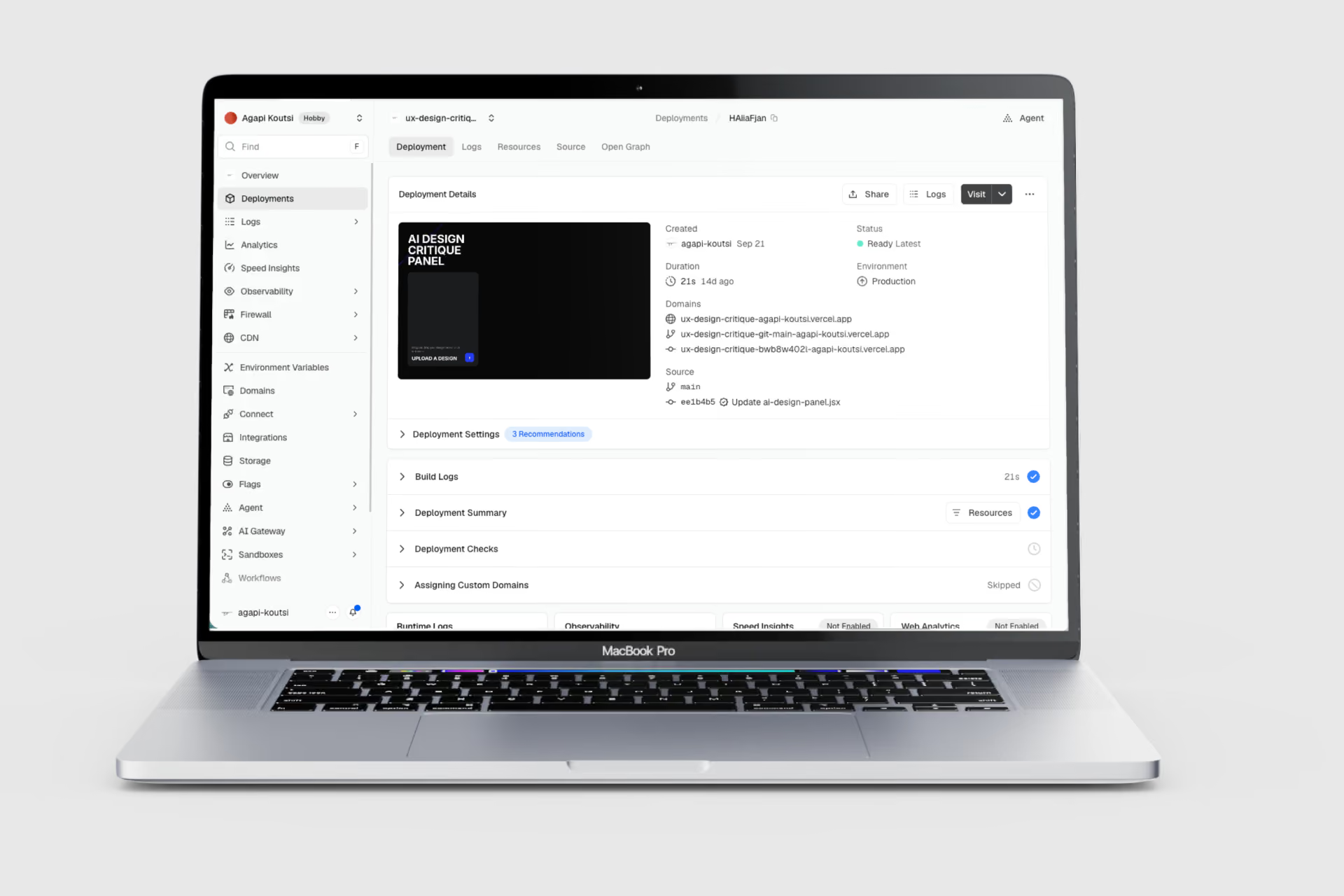
- Correctly configuring build settings and framework presets on the hosting platform (Vercel)
- Recognizing that code written for an AI chat's built-in "artifact" environment needs to be rewired to call a real backend endpoint once deployed independently
None of this was "hard" once broken down, but going through it end to end gave me a working, practical vocabulary for how AI-generated code actually gets shipped, not just demoed.
What the panel actually reveals
Running early designs through the panel consistently surfaced genuine trade-offs a single-reviewer critique would have missed: the Product Manager pushing for a shorter flow to protect conversion, the Engineer flagging that the "simpler" version was actually harder to implement safely, and the Skeptical User getting stuck on something neither of the other two would have noticed at all. The Moderator's summary of that disagreement — not any single agent's opinion — is where the real design insight lives.
What I learned
The core skill in this project wasn't prompting — it was orchestration: deciding how many agents to use, what incentive each one should optimize for, how much they should be allowed to disagree, and how to structure that disagreement so it produces insight instead of noise. It reframed how I think about design critique itself: conflicting perspectives are a feature to be preserved, not an inconvenience to be averaged away — and that's as true of a well-designed AI system as it is of a well-run design review.
Tools & stack
Figma
Design
Claude
Agent design, prompt engineering
GitHub
Development and version control
Vercel
Deployment